


7
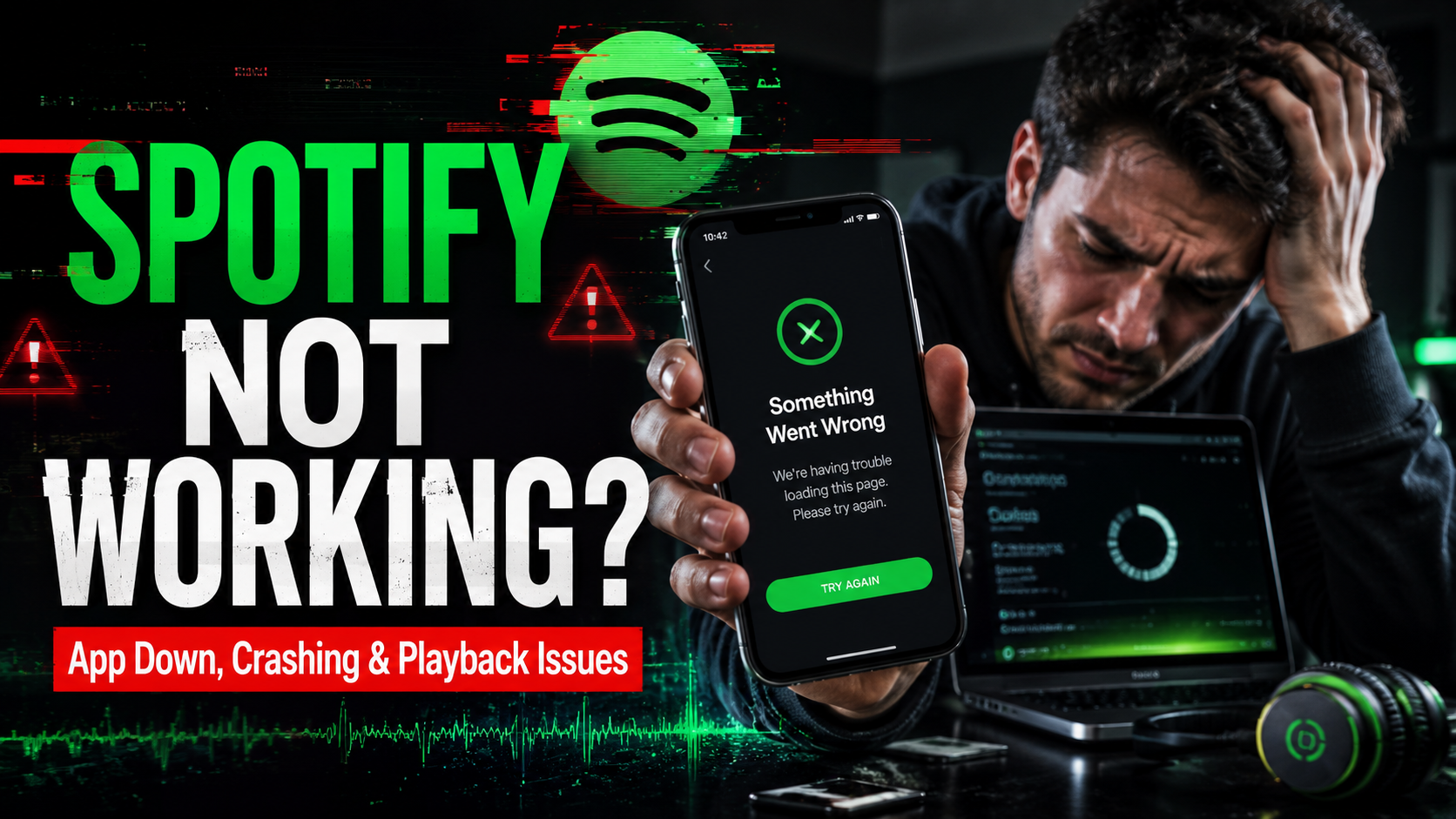
Millions of users search for “Spotify not working” every month when the music streaming platform suddenly stops playing songs, crashes unexpectedly, refuses to load playlists, or logs users out without warning. Whether you are using Spotify on Android, iPhone, Windows, Mac, smart TV, PlayStation, or a web browser, technical issues can happen at any time.
In many cases, the issue is temporary and connected to Spotify servers. In other situations, the problem may come from your internet connection, outdated app version, corrupted cache files, VPN settings, account bugs, or device compatibility issues.
This complete guide explains why Spotify is not working today, the most common Spotify errors, how to fix playback issues, why Spotify keeps crashing, and what to do if Spotify is down globally.
Why Is Spotify Not Working?
There are several reasons why Spotify may suddenly stop functioning properly. Some problems affect only a few users, while others happen during major outages impacting millions worldwide.
Most Common Spotify Problems
| Problem | Possible Cause |
|---|---|
| Spotify app not opening | Corrupted app files |
| Spotify login not working | Server or password issue |
| Spotify not playing songs | Internet or cache problem |
| Spotify keeps crashing | Outdated app version |
| Spotify web player not working | Browser compatibility |
| Spotify no sound | Audio settings issue |
| Spotify offline not working | Download sync issue |
| Spotify stuck on loading | Server outage |
| Spotify playlists missing | Account sync problem |
| Spotify premium not working | Billing/account bug |
Many users immediately assume their phone is broken when Spotify stops working, but in reality, server outages happen more often than people realize.
Is Spotify Down Right Now?
One of the first things users search is:
- Spotify down today
- Spotify outage
- Spotify server status
- Is Spotify down right now
When Spotify experiences server problems, users may notice:
- Music refusing to play
- Random logouts
- App freezing
- Search results failing
- Playlist loading errors
- Login failures
- Songs skipping automatically
Large outages typically trend on social media within minutes because millions of users are affected at the same time.
Signs Spotify Servers Are Down
| Symptom | Usually Means |
|---|---|
| Everyone reporting issues online | Global outage |
| Login errors worldwide | Server authentication problem |
| App loads but songs won’t play | Streaming server issue |
| Spotify website also broken | Major platform outage |
| Desktop and mobile both failing | Backend server problem |
If Spotify servers are down, the best solution is usually waiting until the company fixes the issue.
Spotify Not Working on Android


7
Android users frequently experience Spotify issues due to battery optimization settings, outdated firmware, or app conflicts.
Common Android Spotify Problems
- Spotify keeps stopping
- Spotify crashes on startup
- Spotify black screen
- Spotify no internet connection
- Spotify not playing downloaded songs
- Spotify stuck on loading
How to Fix Spotify on Android
| Solution | Why It Helps |
|---|---|
| Restart phone | Clears temporary bugs |
| Update Spotify | Fixes app glitches |
| Clear Spotify cache | Removes corrupted files |
| Disable battery saver | Prevents app restrictions |
| Reinstall Spotify | Fresh installation |
| Check internet connection | Fixes streaming errors |
Clear Spotify Cache on Android
- Open Settings
- Tap Apps
- Select Spotify
- Tap Storage
- Press Clear Cache
Corrupted cache data is one of the biggest causes of Spotify playback issues on Android devices.
Spotify Not Working on iPhone
iPhone users also report Spotify problems regularly, especially after iOS updates.
Common iPhone Spotify Issues
| Issue | Description |
|---|---|
| Spotify freezing | App becomes unresponsive |
| Spotify not opening | Startup crash |
| Spotify no sound | Audio output bug |
| Spotify battery drain | Background activity issue |
| Spotify offline issue | Download synchronization problem |
Fix Spotify on iPhone
Try these troubleshooting steps:
- Restart your iPhone
- Update iOS
- Update Spotify
- Disable Low Power Mode
- Reinstall Spotify
- Reset network settings
Many Spotify bugs on iPhone appear after major iOS updates because the app may need optimization patches.
Spotify Web Player Not Working
The Spotify Web Player is useful for users who don’t want to install the desktop app. However, browser-related issues are common.
Why Spotify Web Player Stops Working
| Cause | Effect |
|---|---|
| Browser cache corruption | Playback errors |
| Ad blockers | Audio loading failure |
| Browser incompatibility | Blank screen |
| Disabled cookies | Login problems |
| VPN interference | Playback restrictions |
Best Fixes for Spotify Web Player
- Use Google Chrome
- Clear browser cache
- Disable extensions
- Enable cookies
- Turn off VPN
- Refresh browser permissions
Spotify Web Player works best on updated versions of Chrome, Edge, and Firefox.
Spotify Keeps Crashing
One of the most frustrating issues is Spotify randomly crashing during playback.
Users commonly search:
- Spotify crashing
- Spotify closes itself
- Spotify app keeps stopping
- Spotify freezes while playing music
Main Reasons Spotify Crashes
| Cause | Explanation |
|---|---|
| Old app version | Software instability |
| Corrupted cache | Playback interruption |
| Device overheating | System instability |
| Low storage space | App malfunction |
| OS compatibility issue | Crashes after updates |
Quick Crash Fix Checklist
✅ Restart device
✅ Update Spotify
✅ Free storage space
✅ Clear cache
✅ Reinstall app
✅ Disable battery optimization
Spotify Login Not Working


6
Login problems are another major reason users search for Spotify troubleshooting guides.
Common Login Errors
| Error | Possible Reason |
|---|---|
| Incorrect password | Wrong credentials |
| Login failed | Server outage |
| Something went wrong | App bug |
| Can’t connect to Spotify | Network issue |
| Account disabled | Security action |
How to Fix Spotify Login Issues
- Reset password
- Check internet connection
- Disable VPN
- Restart app
- Try another device
- Use browser login
Sometimes login systems fail during major Spotify outages.
Spotify Not Playing Songs
Many users report that Spotify opens normally but refuses to play music.
Why Spotify Won’t Play Songs
| Reason | Result |
|---|---|
| Poor internet | Buffering |
| Corrupted cache | Playback freeze |
| Spotify server issue | Music unavailable |
| Audio output conflict | Silent playback |
| VPN restrictions | Playback blocked |
Fix Spotify Playback Problems
- Change Wi-Fi network
- Restart router
- Log out and back in
- Clear app cache
- Disable hardware acceleration
- Turn off VPN
Spotify Offline Mode Not Working
Spotify Premium users rely heavily on offline playback during travel or poor internet conditions.
Why Offline Mode Fails
| Cause | Problem |
|---|---|
| Expired downloads | Songs disappear |
| Login verification issue | Offline playback blocked |
| Storage permissions denied | Downloads unavailable |
| Corrupted offline files | Playback errors |
Fix Offline Playback
- Go online briefly
- Re-sync downloads
- Re-download playlists
- Check storage permissions
- Update Spotify app
Spotify occasionally requires online verification even for downloaded music.
Spotify Premium Not Working
Premium subscription problems can affect playback quality and features.
Common Premium Issues
| Problem | Cause |
|---|---|
| Ads still playing | Account sync delay |
| Offline downloads gone | Subscription verification |
| Premium disappeared | Billing issue |
| Family plan issue | Address verification |
Premium Troubleshooting Tips
- Verify payment status
- Log out and back in
- Restore purchases
- Contact Spotify support
- Check subscription page
Spotify No Sound Issue
Sometimes Spotify appears to work normally but produces no audio.
Common Causes of No Sound
| Cause | Solution |
|---|---|
| Muted volume | Increase sound |
| Wrong audio device | Switch output |
| Bluetooth conflict | Disconnect devices |
| App audio permissions | Enable sound access |
Quick Audio Fixes
- Restart headphones
- Switch speakers
- Check Windows sound mixer
- Disconnect Bluetooth
- Restart Spotify
Spotify App Slow or Lagging
Performance problems are common on older devices.
Signs of Lagging Spotify
- Delayed song loading
- Slow scrolling
- Playlist freezing
- Search lag
- Stuttering audio
Improve Spotify Performance
| Solution | Benefit |
|---|---|
| Free storage space | Better performance |
| Reduce background apps | More RAM available |
| Update operating system | Compatibility fixes |
| Disable animations | Faster loading |
Spotify Problems on PC


6
Desktop users experience different problems compared to mobile users.
Common PC Spotify Issues
| Issue | Description |
|---|---|
| Spotify black screen | GPU rendering bug |
| Spotify won’t open | Corrupted install |
| Spotify stuttering | Hardware acceleration issue |
| Spotify high CPU usage | Background processing bug |
Fix Spotify on Windows
- Run as administrator
- Disable hardware acceleration
- Reinstall Spotify
- Update graphics drivers
- Clear app data
Spotify Not Working With Bluetooth
Bluetooth connectivity issues are extremely common.
Spotify Bluetooth Problems
- Music pauses randomly
- No audio through earbuds
- Spotify disconnecting in car
- Bluetooth skipping songs
Bluetooth Fixes
| Fix | Why It Works |
|---|---|
| Re-pair device | Resets connection |
| Restart Bluetooth | Clears glitches |
| Update firmware | Improves compatibility |
| Disable battery saver | Prevents connection drops |
Spotify Search Not Working
Search failures usually happen during server issues.
Symptoms
- Search results blank
- Songs missing
- Artists not loading
- Playlist search broken
This is often temporary and linked to Spotify backend systems.
Spotify Error Codes Explained
Users frequently encounter mysterious Spotify error codes.
Common Spotify Errors
| Error Code | Meaning |
|---|---|
| Error 4 | Internet connection issue |
| Error 17 | Installation problem |
| Error 30 | Firewall interference |
| Error Auth 2 | Login authentication failure |
How to Contact Spotify Support
If nothing works, contacting support may help.
Best Support Options
| Method | Speed |
|---|---|
| Spotify Help Center | Fast |
| Twitter/X Support | Quick responses |
| Community Forums | User solutions |
| Live chat | Premium users |
Best Universal Spotify Fixes
Here are the most effective solutions that solve most Spotify issues.
Top Troubleshooting Methods
| Rank | Fix |
|---|---|
| 1 | Restart device |
| 2 | Update Spotify |
| 3 | Clear cache |
| 4 | Reinstall app |
| 5 | Check internet |
| 6 | Disable VPN |
| 7 | Check Spotify servers |
Frequently Asked Questions
Why is Spotify not working today?
Spotify may be experiencing server outages, app bugs, internet problems, or cache corruption.
Why does Spotify keep crashing?
Crashes are usually caused by outdated software, corrupted files, or device compatibility issues.
Why won’t Spotify play music?
Playback problems often happen because of internet issues, server outages, or corrupted cache files.
Is Spotify down right now?
Spotify occasionally experiences global outages affecting millions of users simultaneously.
Why is Spotify not working on my iPhone?
iOS updates, app bugs, or audio conflicts are common causes.
Why is Spotify not working on Android?
Battery optimization, cache corruption, and outdated app versions are major causes.
Final Thoughts
Spotify remains one of the world’s most popular music streaming platforms, but technical issues can happen on any device. Whether Spotify is crashing, refusing to play music, failing to log in, or suffering a major outage, most problems can be fixed with basic troubleshooting.
The good news is that many Spotify issues are temporary and resolved quickly through updates or server fixes. Keeping the app updated, clearing cache regularly, and checking server status can prevent many common problems.
If Spotify still is not working after trying all troubleshooting methods, contacting official support may be the best next step.